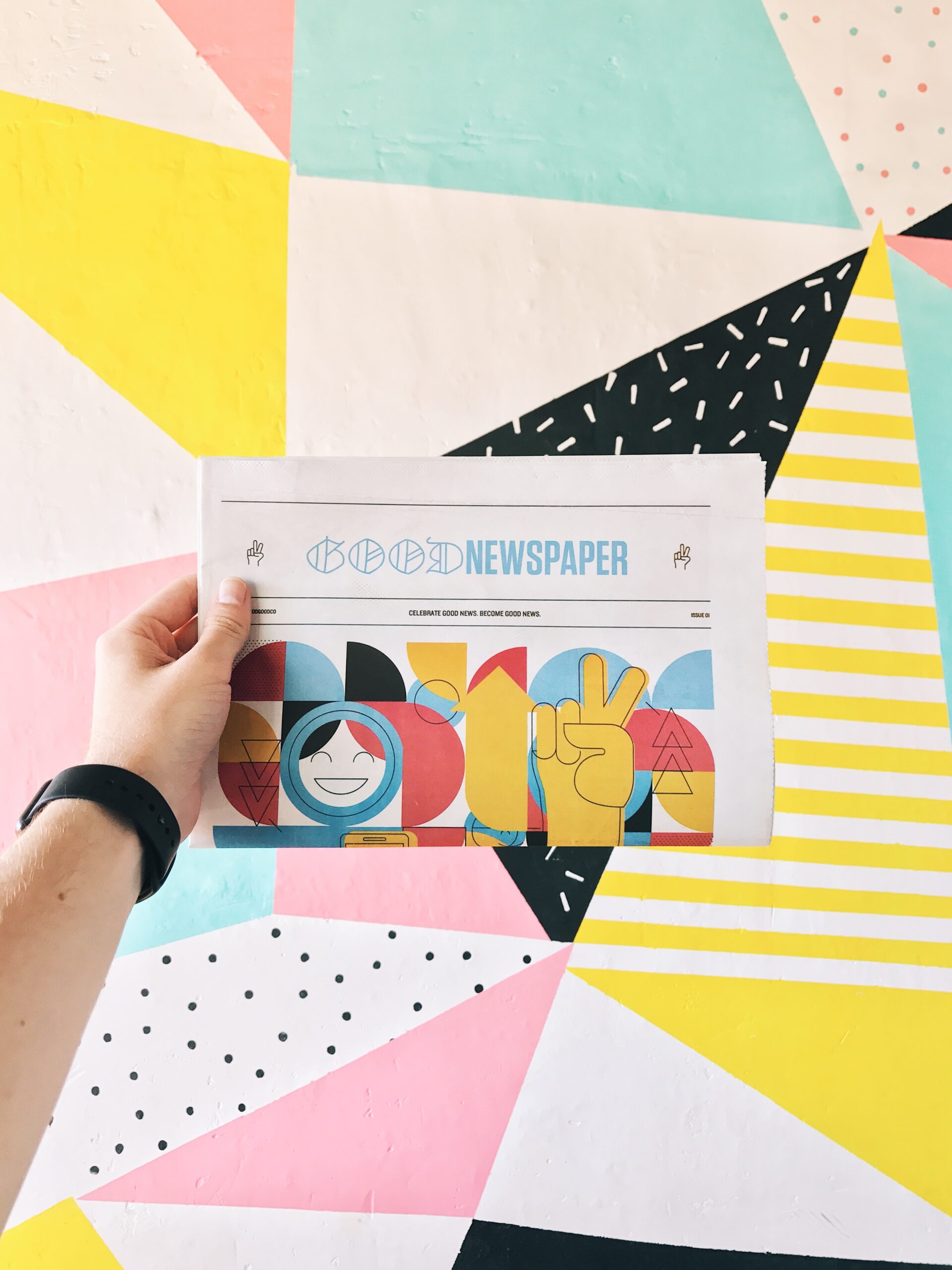
In the public relations industry, design plays a huge role in creating compelling stories and messages that will leave a lasting impression on a viewer. As a PR expert, I have come to rely on two programs that have completely changed my design game: Adobe InDesign and Adobe Photoshop. To help you learn more about these programs and understand why design is so important, I will provide an overview of them and discuss what makes a design stand out in the world of PR.
InDesign
Adobe InDesign is a software that creates stunning layouts for both digital and print designs. You can create brochures, business cards, posters, newsletters, and more. InDesign gives PR professionals the tools to make a beautiful layout and custom design on every creation. It is good to use anytime you are trying to bring graphics and text together.
Unique features of InDesign
InDesign’s grid and guide tools ensure perfect alignment, which is important when creating a design for a client/company.
InDesign allows you to embed interactive multimedia elements including hyperlinks, buttons, images, etc. This is extremely helpful and important in the industry now since social media is a huge part of PR.
Using InDesign might feel overwhelming at first, but don’t sweat it! You can learn more about this program on the InDesign website by clicking here. They have a ton of videos you can watch, which explain every aspect of InDesign and how to use it. LinkedIn Learning also offers various InDesign courses taught by experts. You can learn more about these courses here.
Photoshop
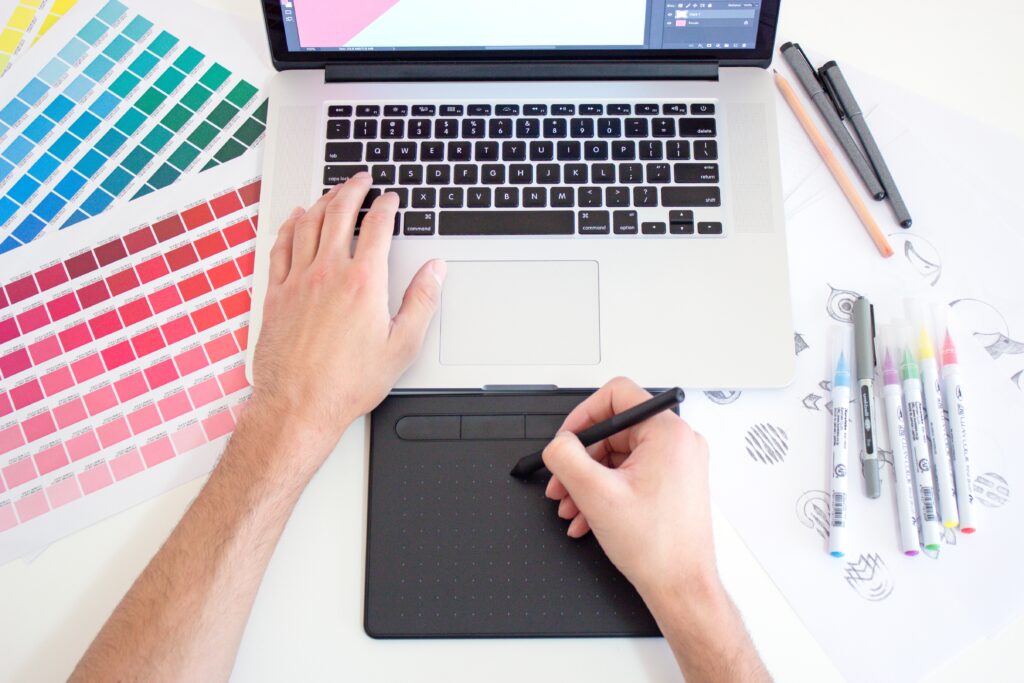
You have probably heard of Adobe Photoshop before, and it’s because it is the go-to software for image editing and manipulation. Users can enhance, retouch, edit and create stunning visuals with precision. Photoshop offers a wide range of tools and features, which makes it easy to create professional graphic designs, an essential tool for professionals in the PR industry.
Unique features of Photoshop
Photoshop offers various layer styles, which allows you to add shadows, glows, and more to images, graphics, and text. You can also crop, cut, change backgrounds, remove objects, and much more with Photoshop. This allows you to elevate and enhance the visual aspect of your design.
Learning Photoshop isn’t as hard as it may seem. The Adobe website offers in-depth online tutorials on how to use Photoshop, you can find them here. An additional resource to learn more about the program is by taking a course from the website Udemy. The course costs $9.99 and you can learn more about it/purchase it here.
What makes a good design?
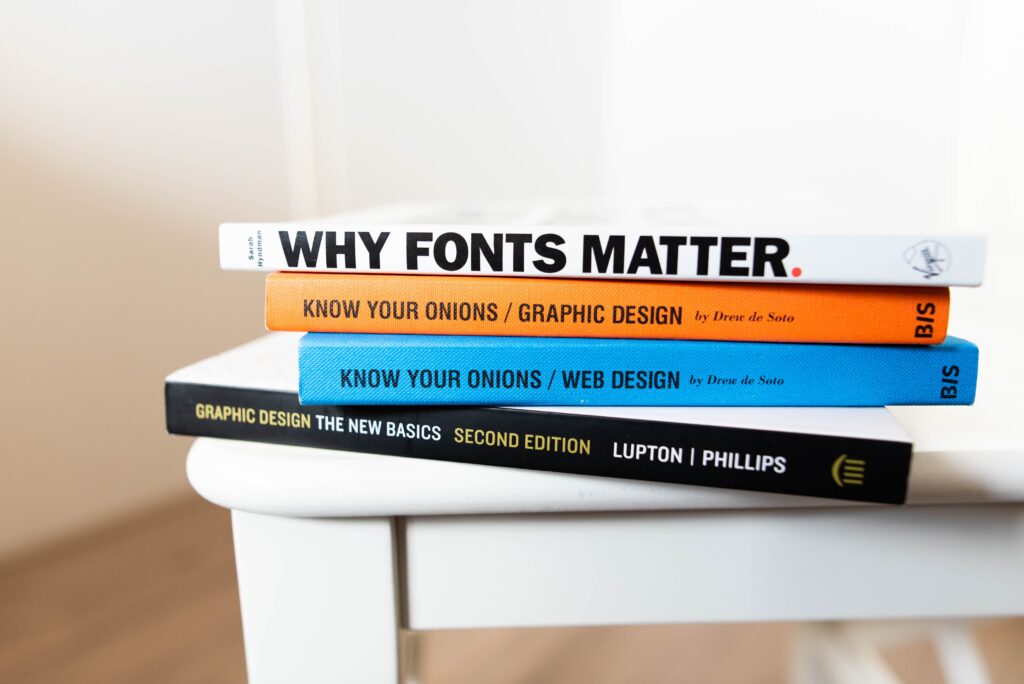
There are many elements that go into creating a good design. Below are the 3 I think are the most important to know when first getting into graphic design.
- Effective communication. A design should convey the intended message and story clearly and resonate with the target audience. The design should also communicate the brands identity through design elements, such as color scheme, typography, and images.
- Engage the viewer. Make sure to use a variety of visuals, colors, and fonts to captivate the viewer and keep their attention.
- Stay up to date. Knowing which design trends are popular is very important when trying to get a message across and get a viewers attention. You want to know what other designs PR professionals are creating so that you will know what to do and not do. This is vital to do in order to stand out in the PR industry.

One Comment
Comments are closed.