Learning to Think Like a Designer
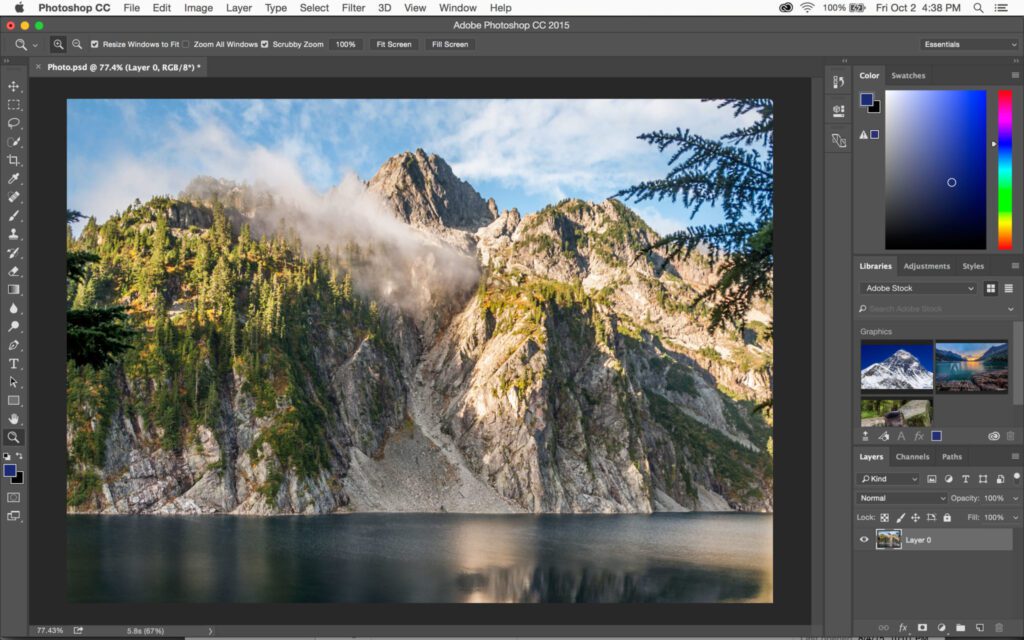
When I first opened Photoshop, I’ll admit that it felt overwhelming. There were so many tools that I didn’t know where to start, but I quickly learned that using Photoshop isn’t just about knowing where the buttons are. It’s about learning how to see. Every design decision, from font choice to color balance, communicates something. Once I understood that design is a form of visual storytelling, Photoshop became less intimidating and more exciting.
For my first project, I created a mail handout for high school seniors considering the University of Oklahoma. It had to feel bold, youthful, and full of energy, and something that spoke directly to students dreaming about their next chapter. Later, I created a second handout for parents, who are just as important in the decision-making process. That second piece had a more professional and trustworthy tone.
The Importance of Stakeholders
One of the biggest lessons I learned from these projects is that design is never “one size fits all.” Each piece of communication has multiple stakeholders and understanding them changes everything.
My first stakeholder, the high school seniors, shaped how I approached the second stakeholder, the parents. After finishing the first handout, I realized that while students want excitement and campus life photos, parents want facts, trust, and safety. That insight guided my second design’s tone, imagery, and layout. The difference between the two helped me see how stakeholder needs drive creative direction, and how Photoshop allows you to meet those needs visually.
From Draft to Final: How Design Evolves
The design process is rarely straightforward. My first drafts always look completely different from the final versions. With feedback from classmates and my own critical eye, I learned to adjust spacing, refine color contrast, and rethink typography to improve readability.
What influenced these changes most was feedback and reflection. Sometimes what I thought looked great didn’t actually communicate the message as clearly as I hoped. Each edit was a lesson in balance—how to make something look good and serve a purpose. Photoshop’s flexibility made this process easier because I could experiment freely without starting over from scratch.
Tips for Working in Photoshop
Here are a few things I wish I had known when I started:
- Use layers wisely. Keep them labeled and grouped—it’ll save you so much time later.
- Experiment with blending modes. They can transform a flat design into something dynamic.
- Don’t overdo effects. Simplicity often looks more professional.
- Save versions. You’ll appreciate being able to go back and compare earlier drafts.
- Zoom out often. It helps you see the overall composition instead of getting lost in details.
How Photoshop Enhances Design Skills
Photoshop doesn’t just make designs—it teaches you to design. Working on these projects helped me understand how visual choices can support messages. I learned to think about audience psychology, hierarchy, and brand consistency. Every font and color choice now has intent behind it.
Through trial, error, and revision, Photoshop helped me become more confident not only as a designer but also as a communicator. Whether I’m working for students, parents, or any other audience, I now approach design as problem-solving—using visuals to bridge understanding between different stakeholders.
